When you buy a GSS product, we provide you with PC and Mobile application software to configure, manage, and even generate reports – all free of charge.
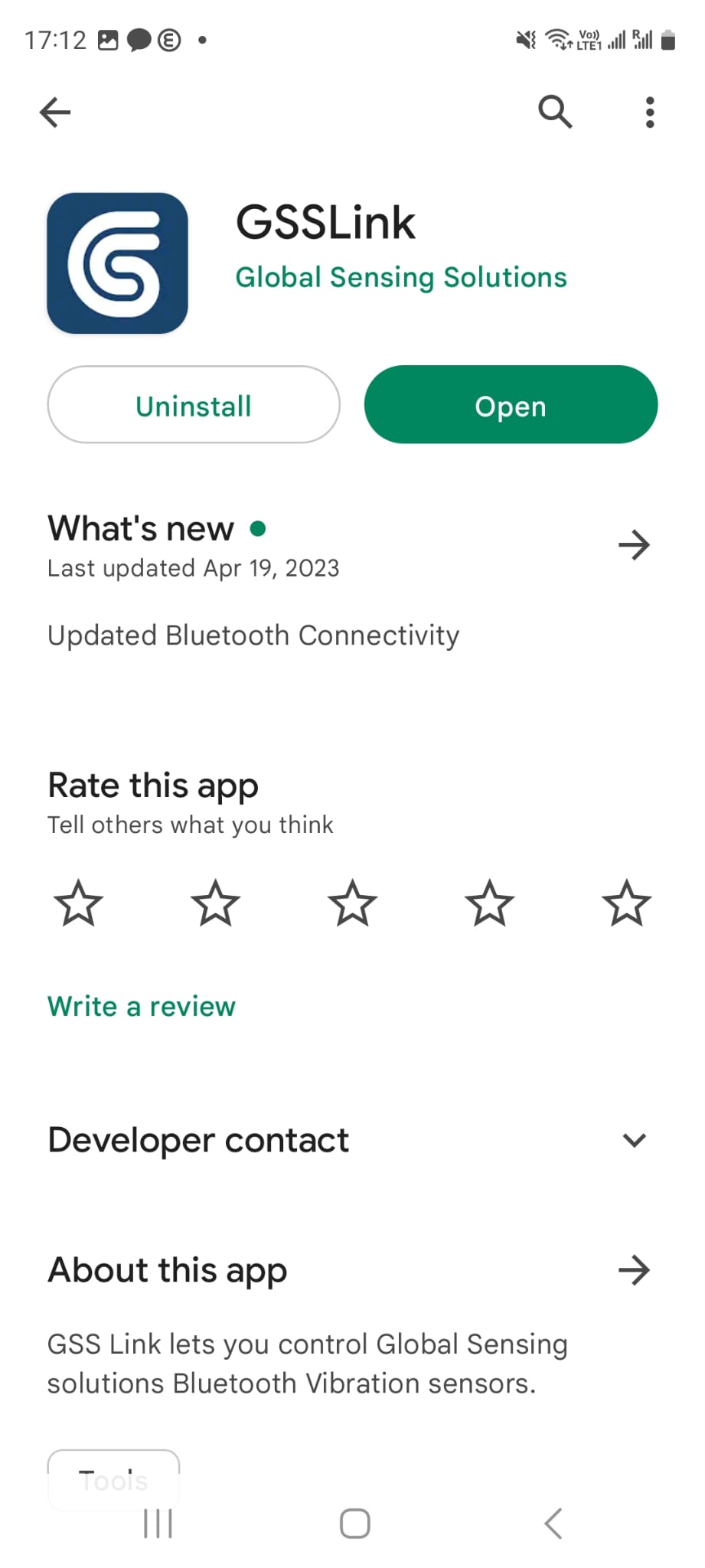
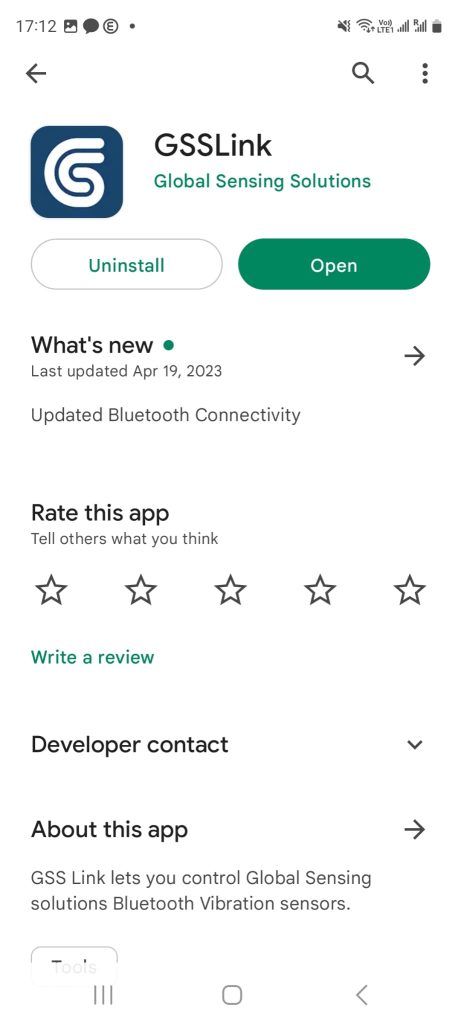
There are PC-based applications designed to work with particular products and offer a user-friendly interface and access to industry reports. The Bluetooth Mobile application, GSSLink, is available on GooglePlay and is a useful tool to check the status or reconfigure the product onsite.
GSS LINK
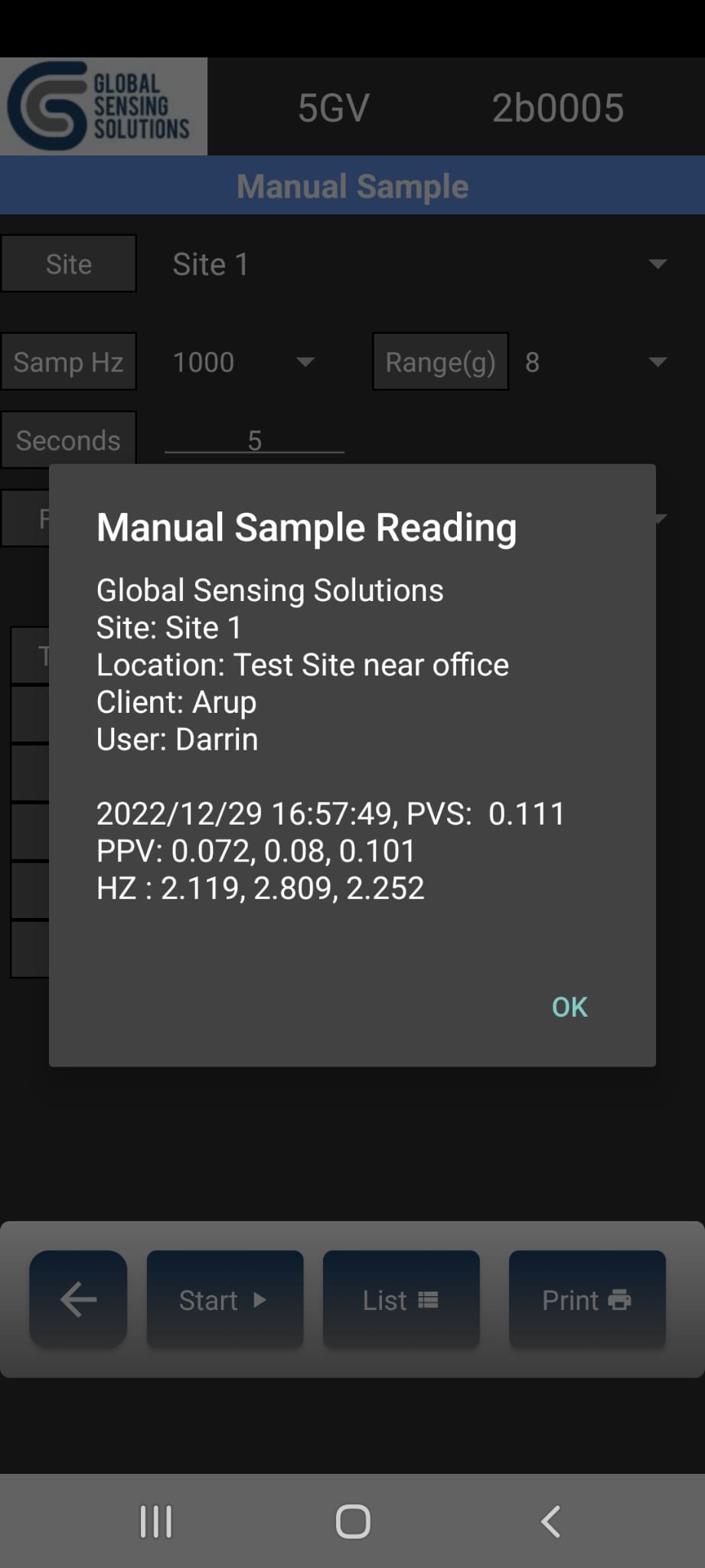
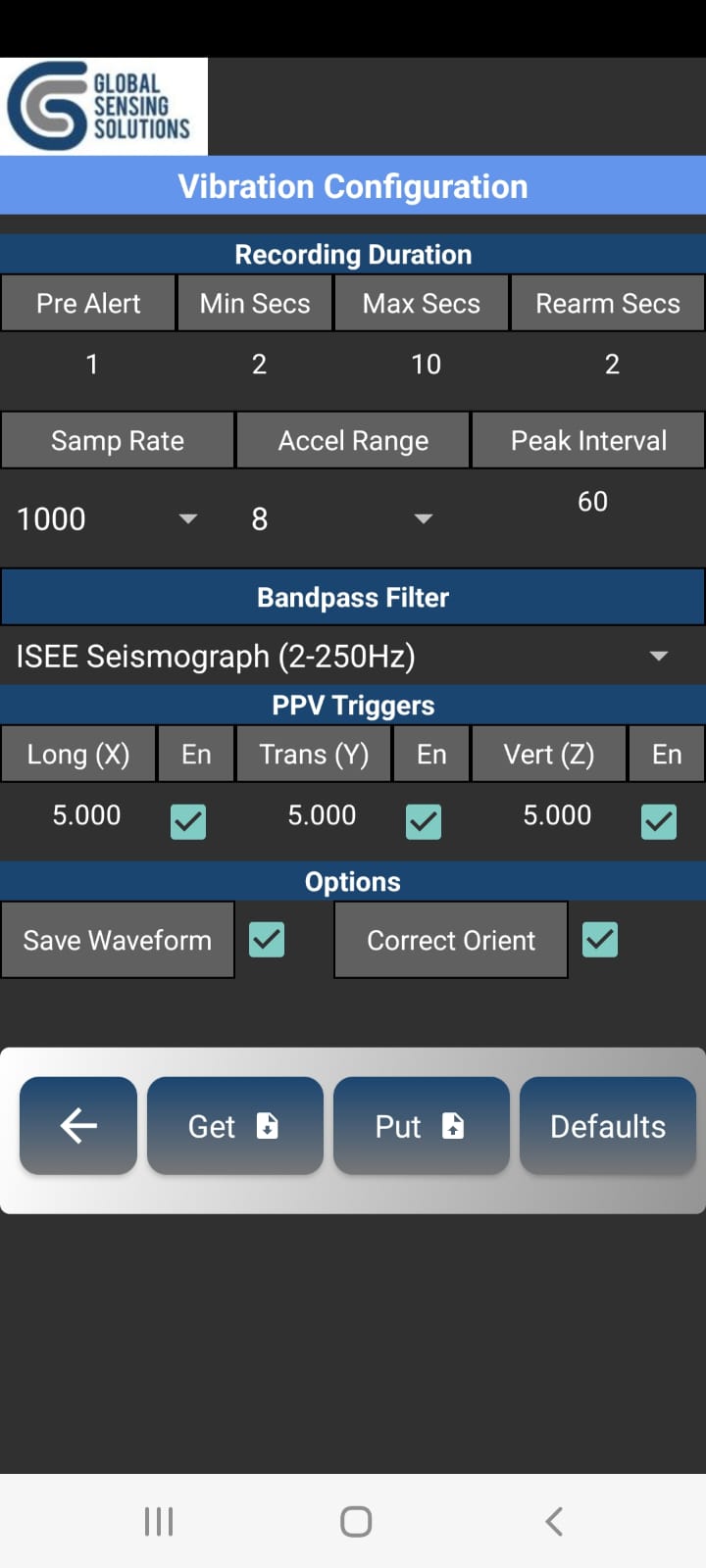
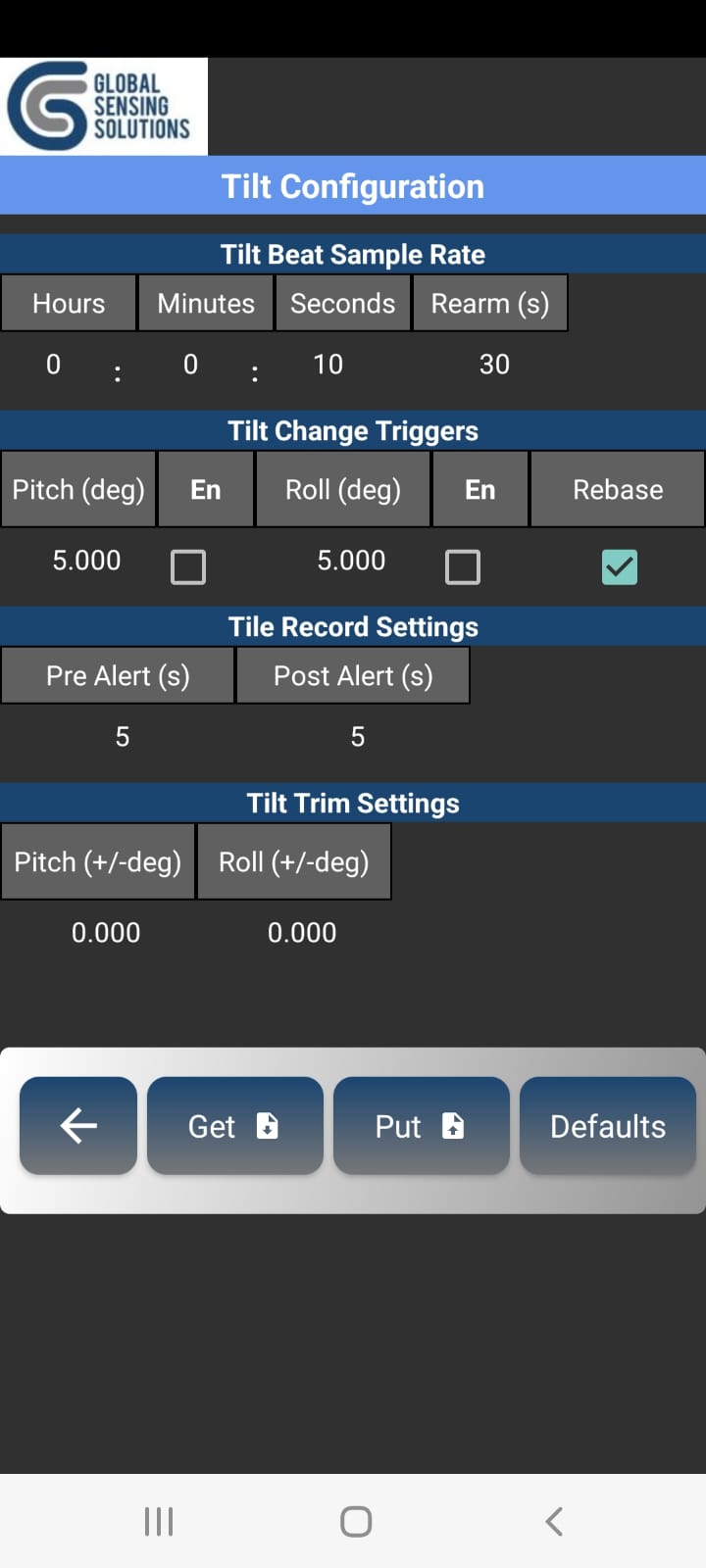
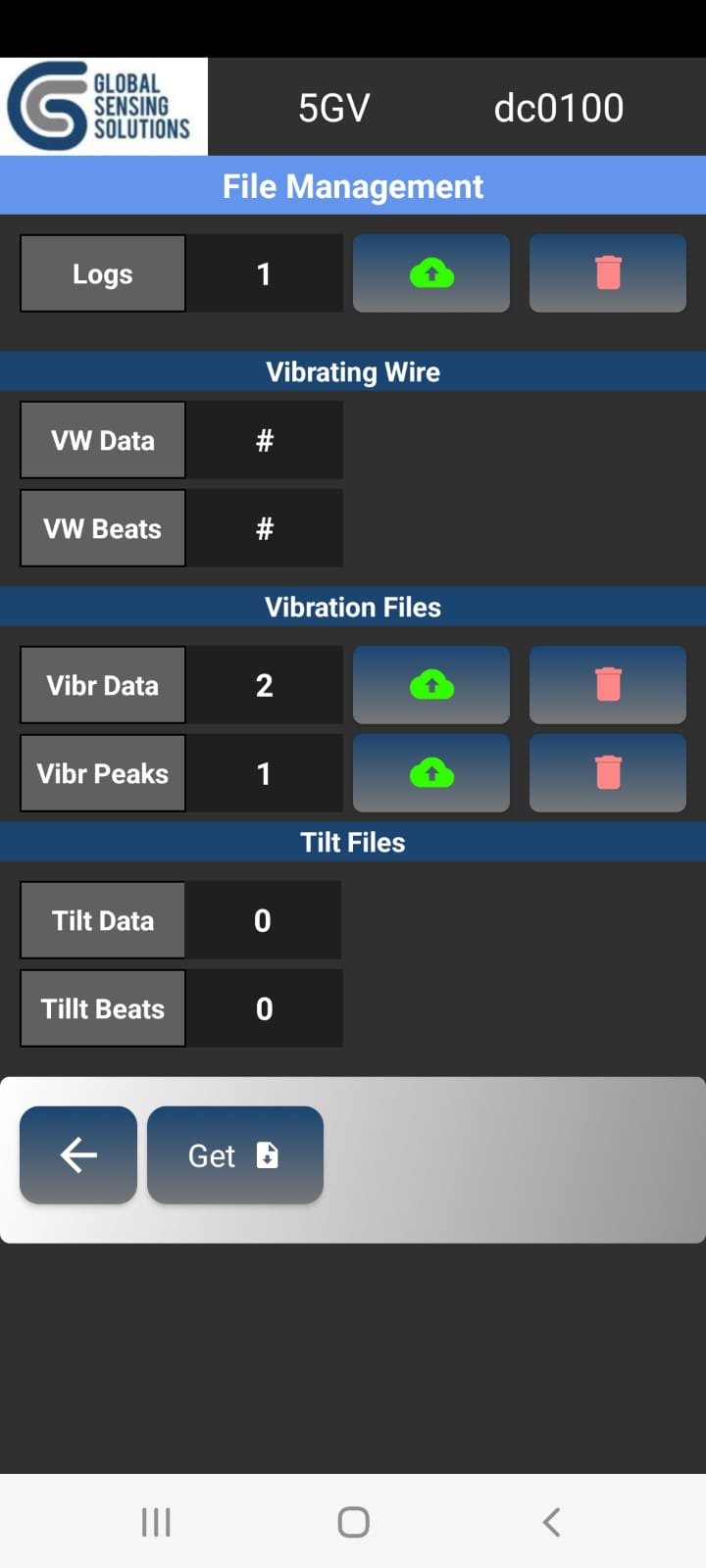
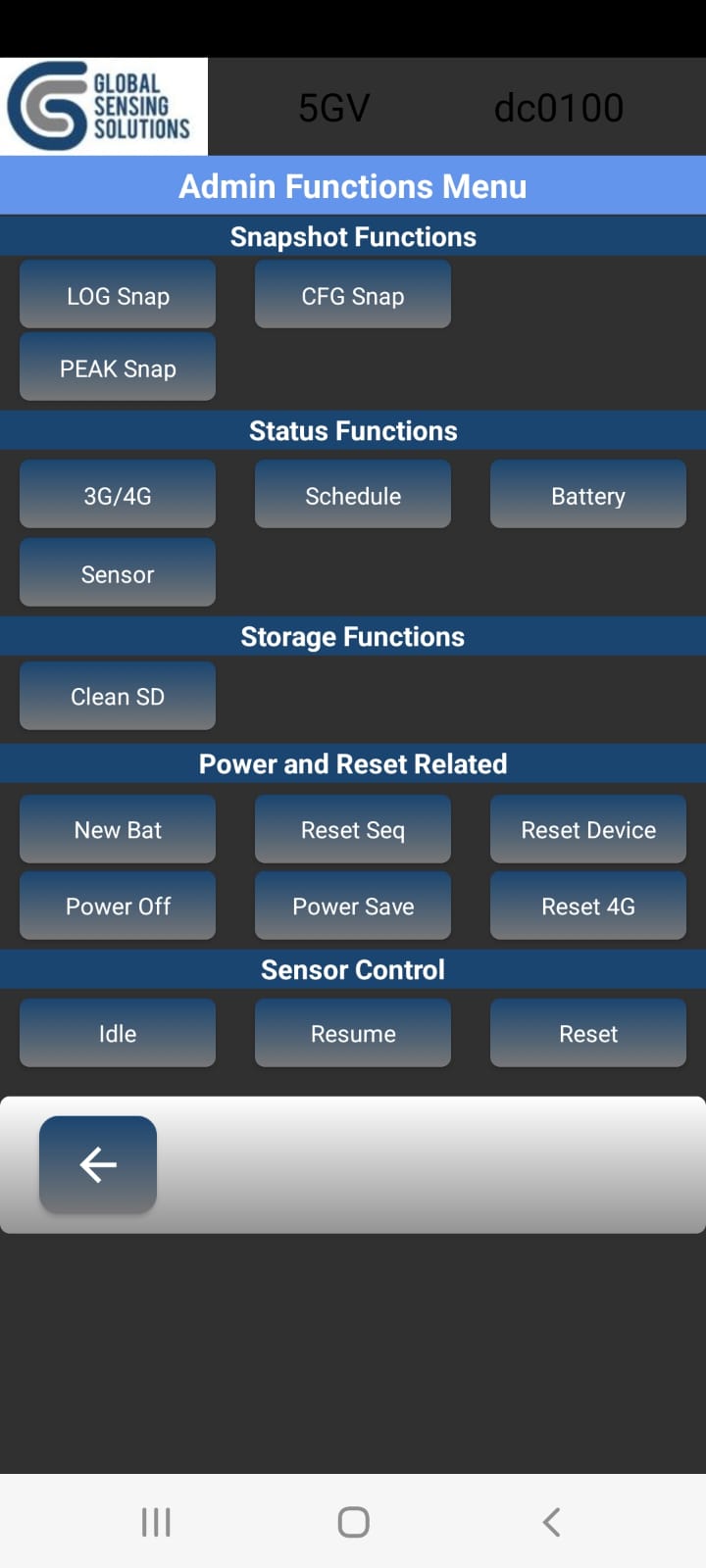
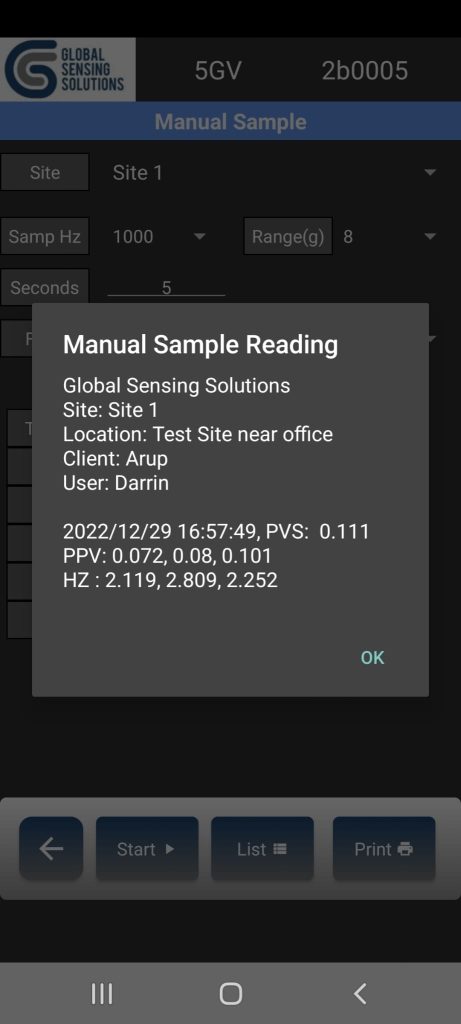
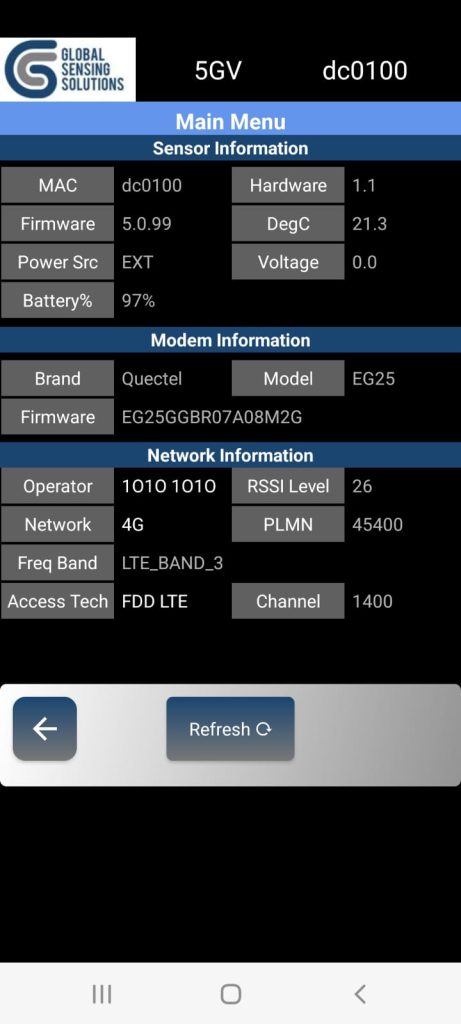
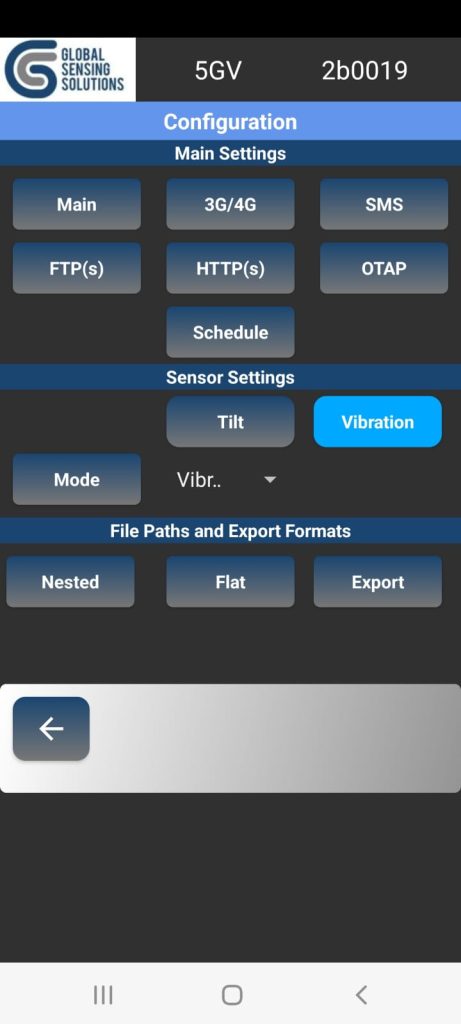
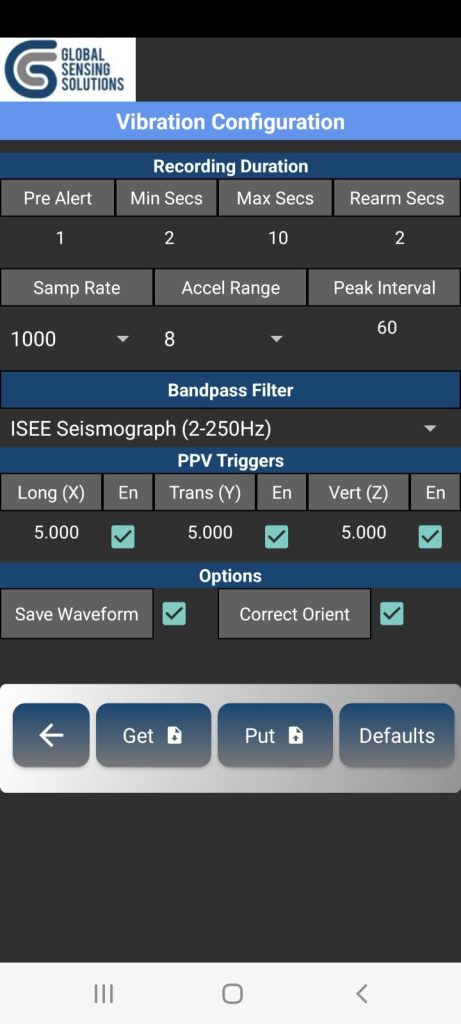
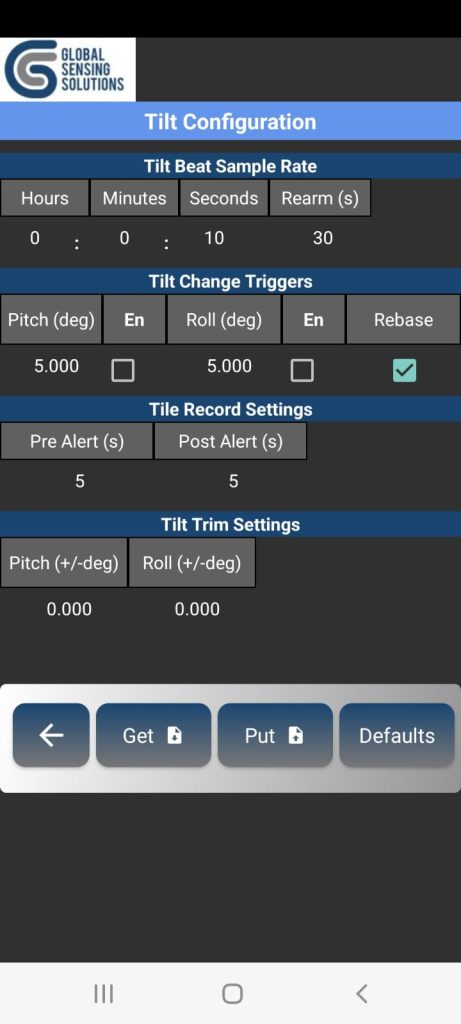
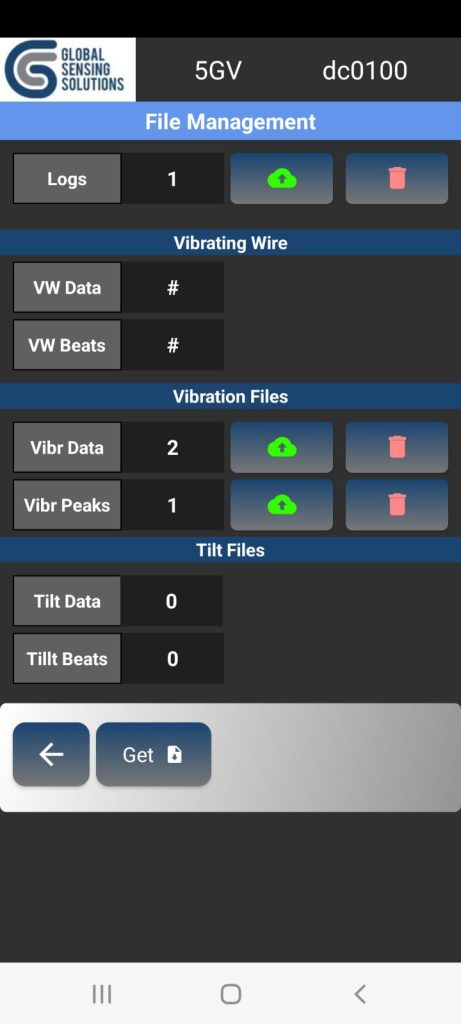
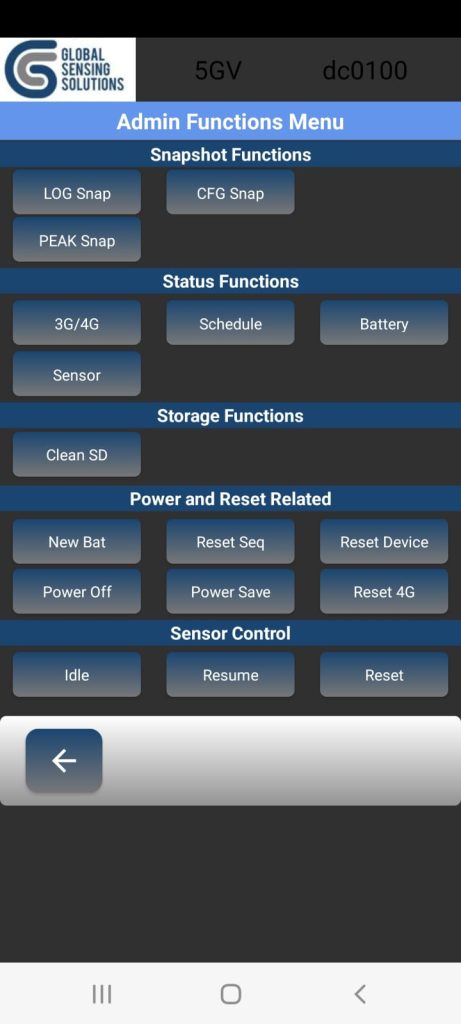
The GSS Bluetooth Mobile application provides comprehensive support for all GSS Bluetooth enabled products, serving as a user-friendly tool to configure and test devices before deployment and troubleshoot them on site. With its wide range of functionalities, the application streamlines the entire process and simplifies device management.
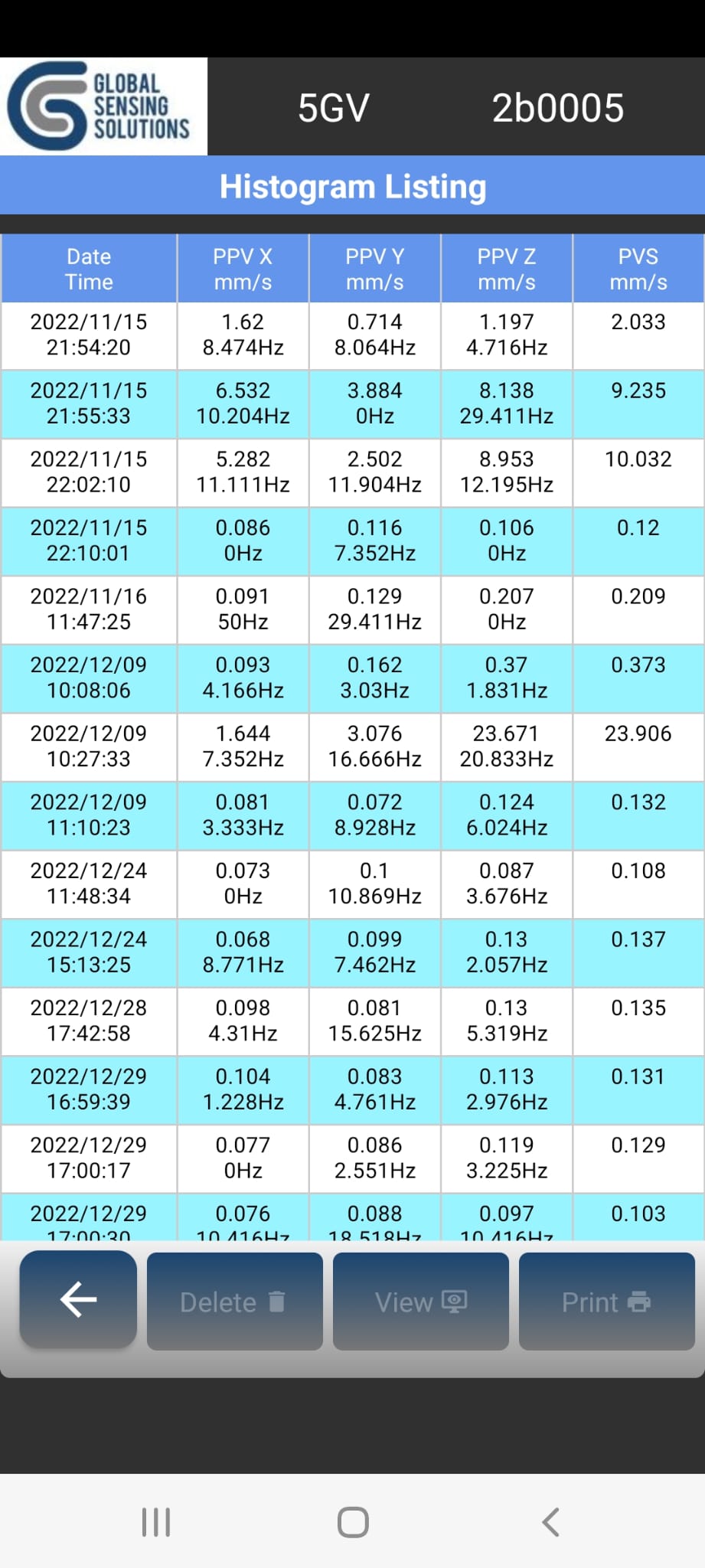
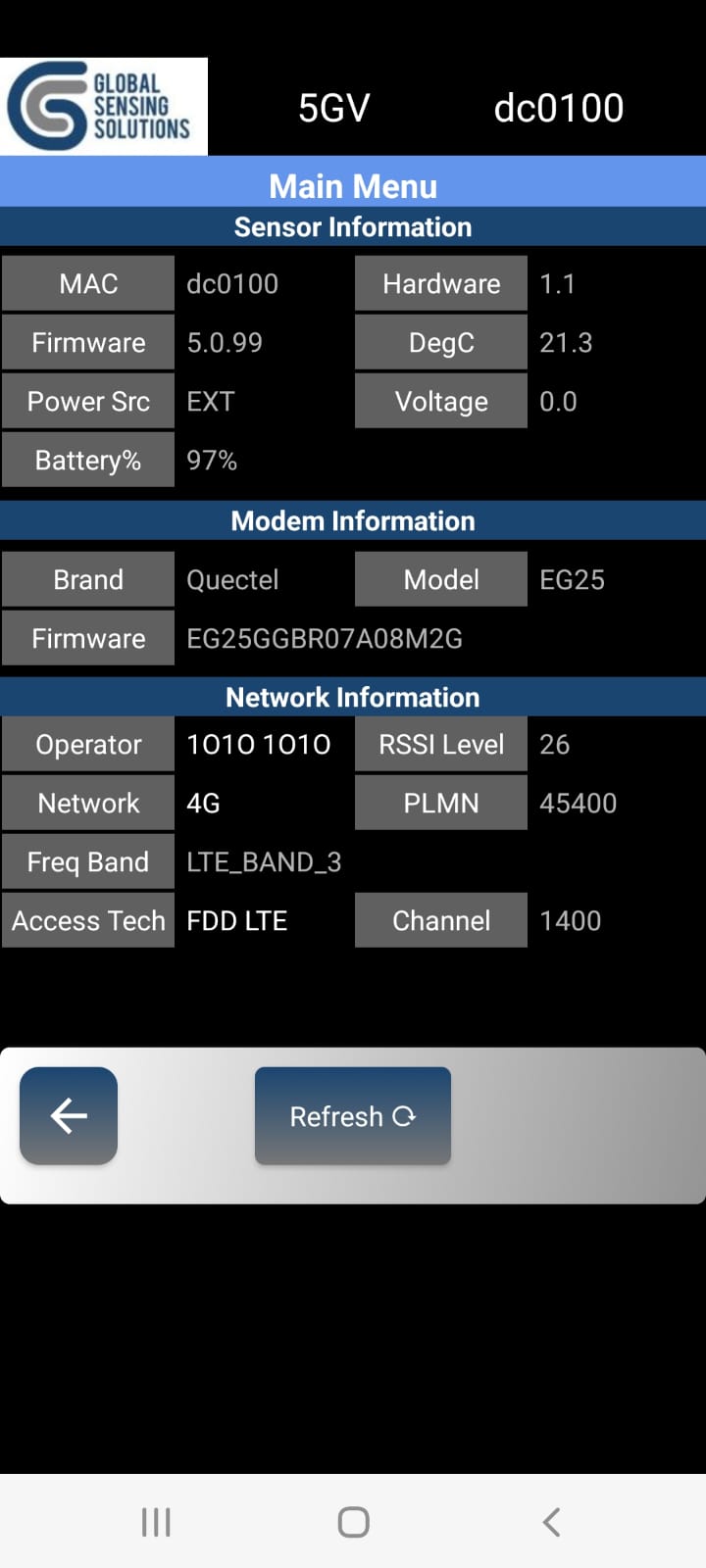
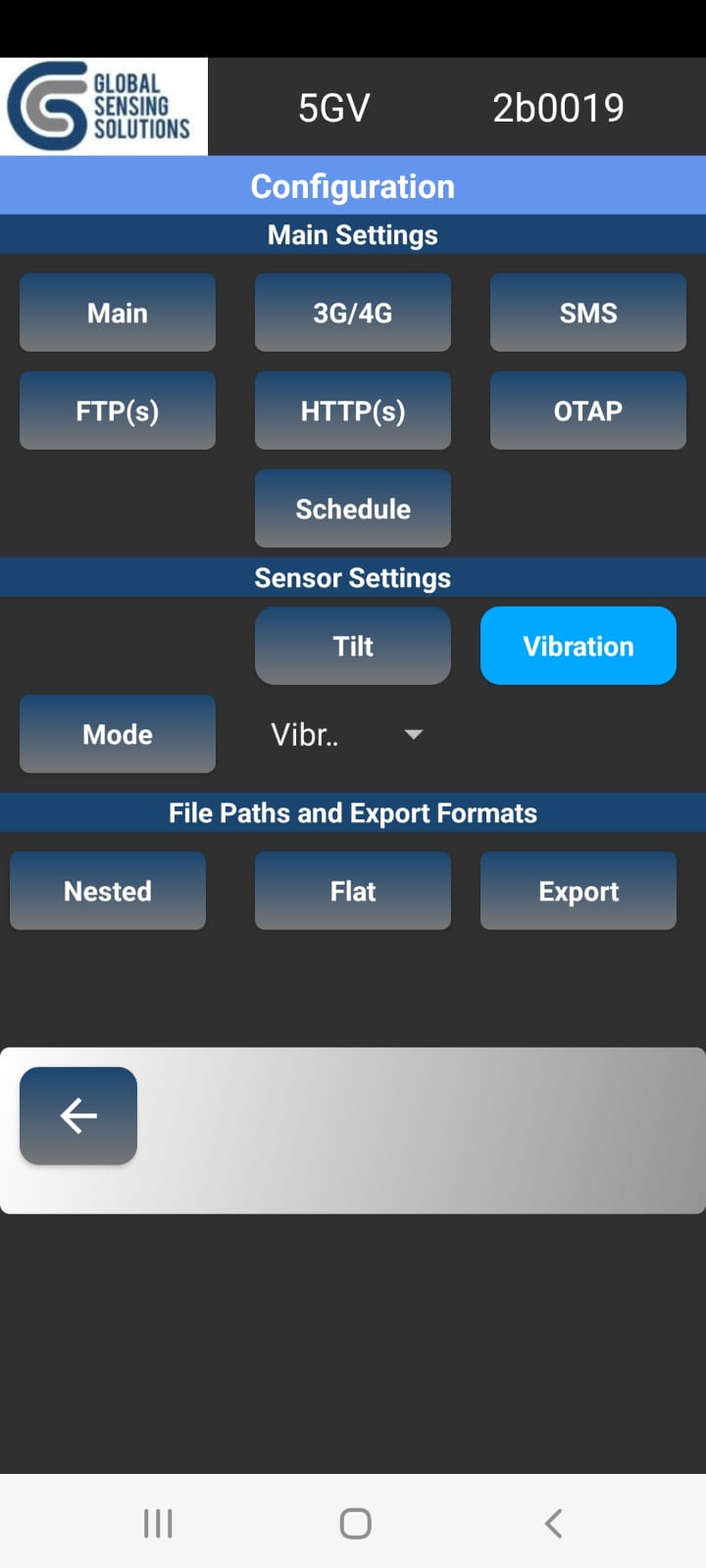
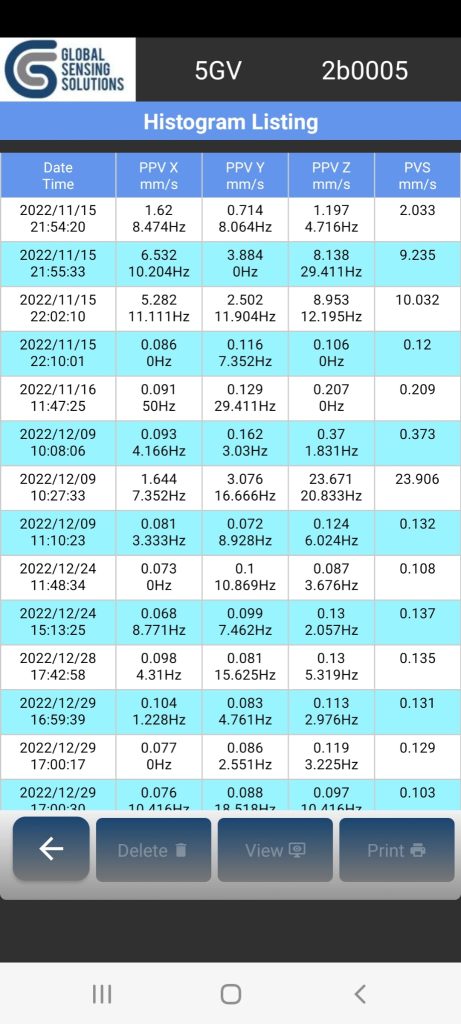
Key features of the GSS Bluetooth Mobile application include the ability to connect to GSS Bluetooth enabled devices and retrieve and update device configuration settings, perform administrative functions like status checks, clean storage, and reset functions, and perform file management functions such as viewing, uploading, and deleting files. The application also allows users to view data buffers like vibration peaks, tilt beats, and VW beats.
One of the most significant advantages of using the GSS Bluetooth Mobile application is its intuitive interface. Users can quickly retrieve the current configuration settings from the device, edit them, and save them back to the device without the need to remember any commands or technical jargon.
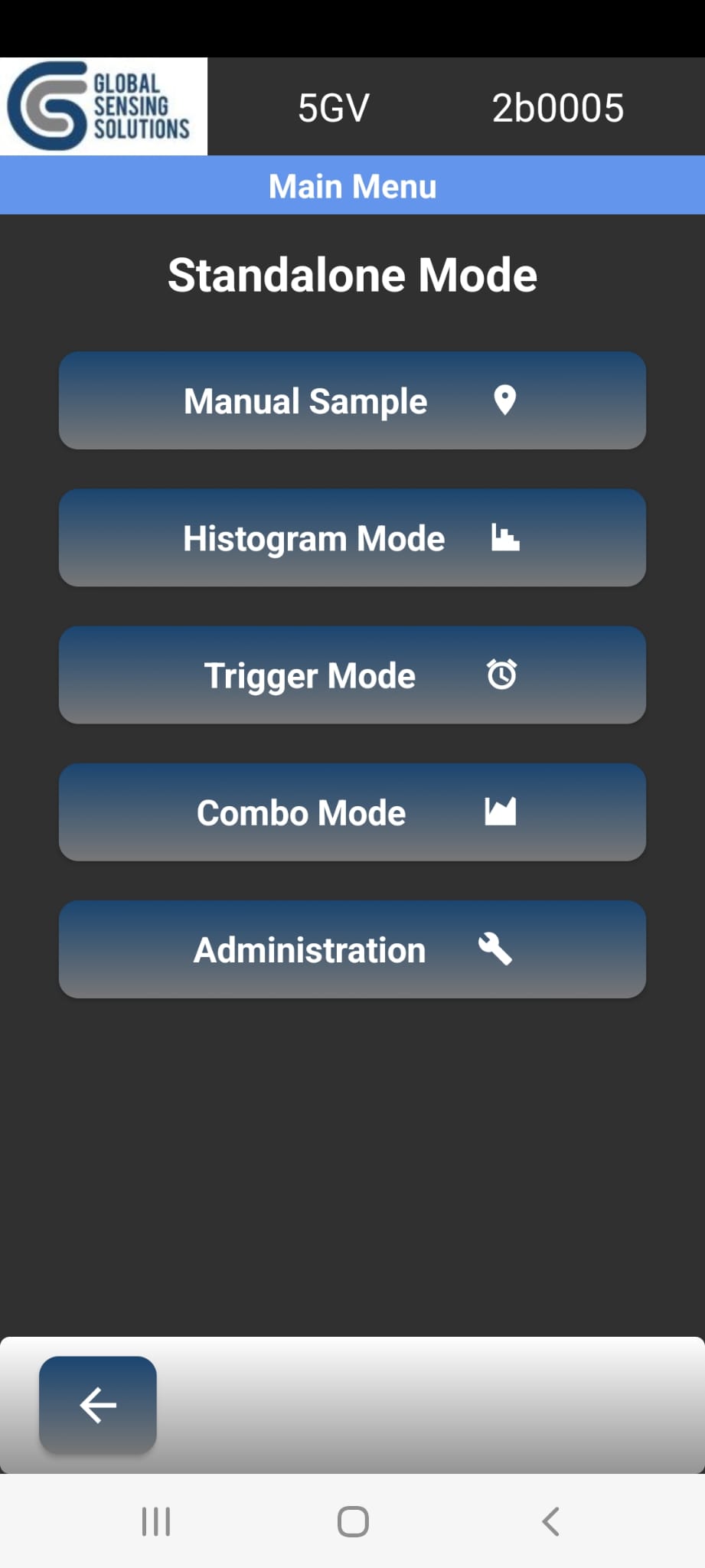
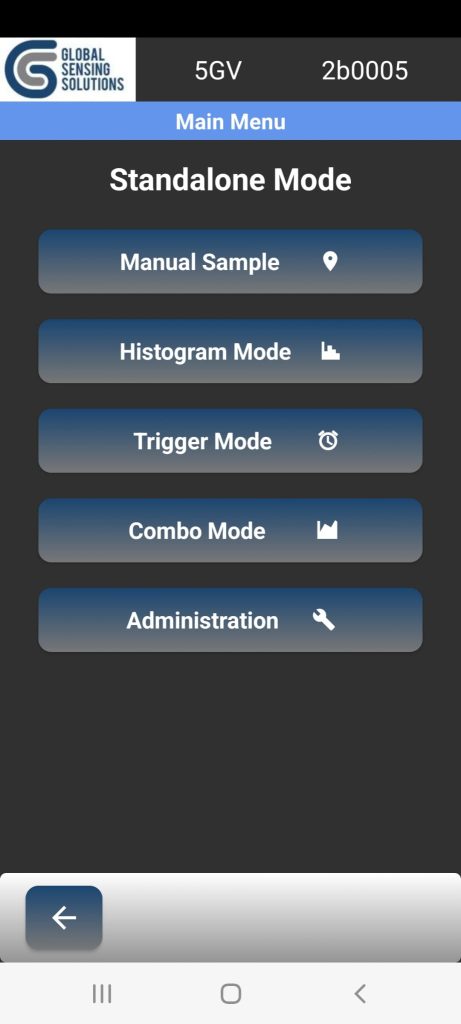
For vibration monitor products, GSS Link offers Standalone Mode, enabling users to move the device around a site to capture readings. Manual sample mode allows users to capture vibration waveforms at the press of a button. The application also supports Histogram Mode to capture real-time peak interval readings, Trigger Mode to capture vibration events that exceed user-defined thresholds, and Combo Mode that performs Histogram and Trigger Mode simultaneously.
Overall, the GSS Bluetooth Mobile application provides a powerful yet user-friendly tool for managing GSS Bluetooth enabled devices. Its range of features and intuitive interface make it an ideal solution for configuring, testing, and troubleshooting devices in the field, saving time and effort for engineers and technicians alike.
3GV CONSOLE
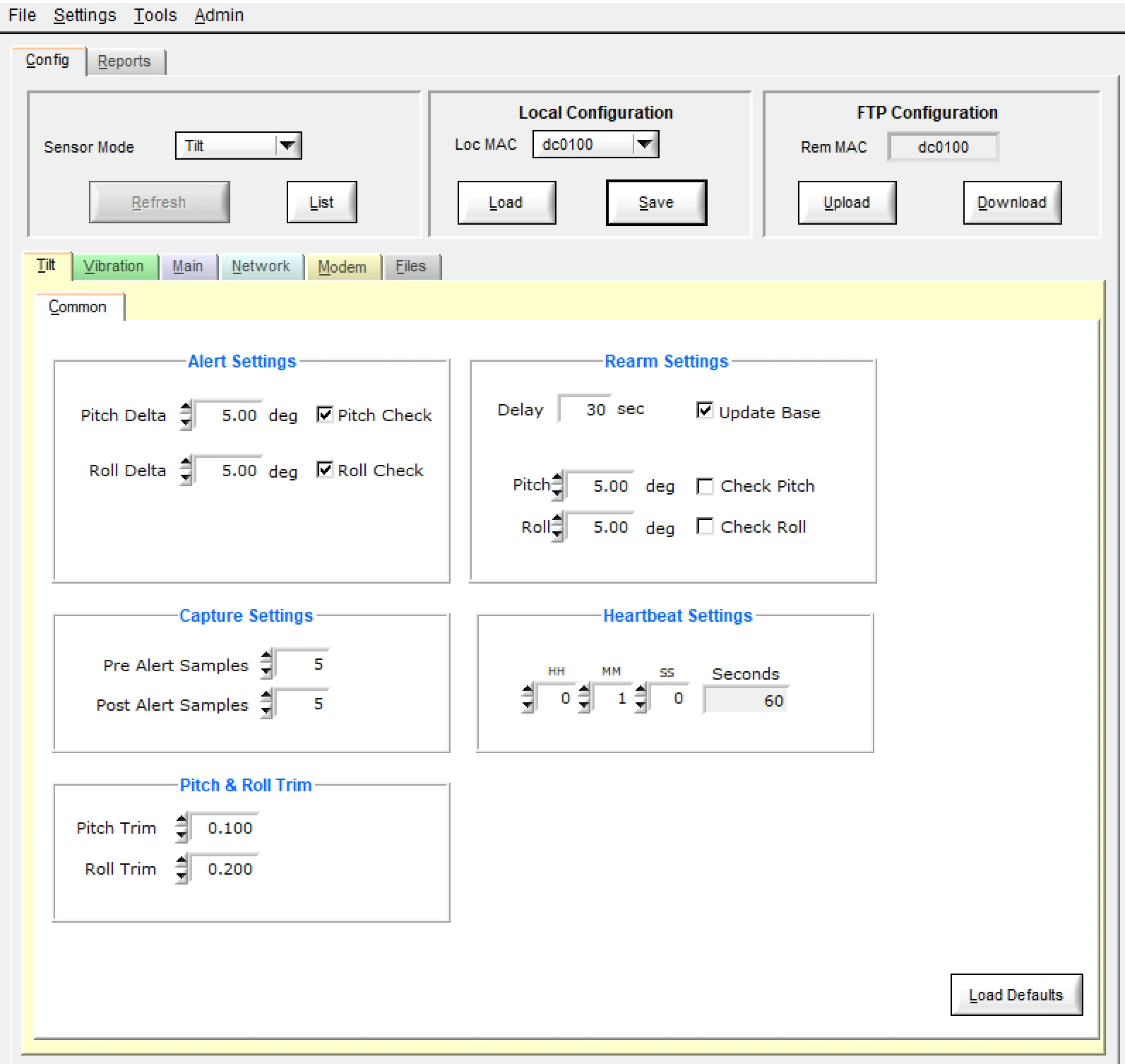
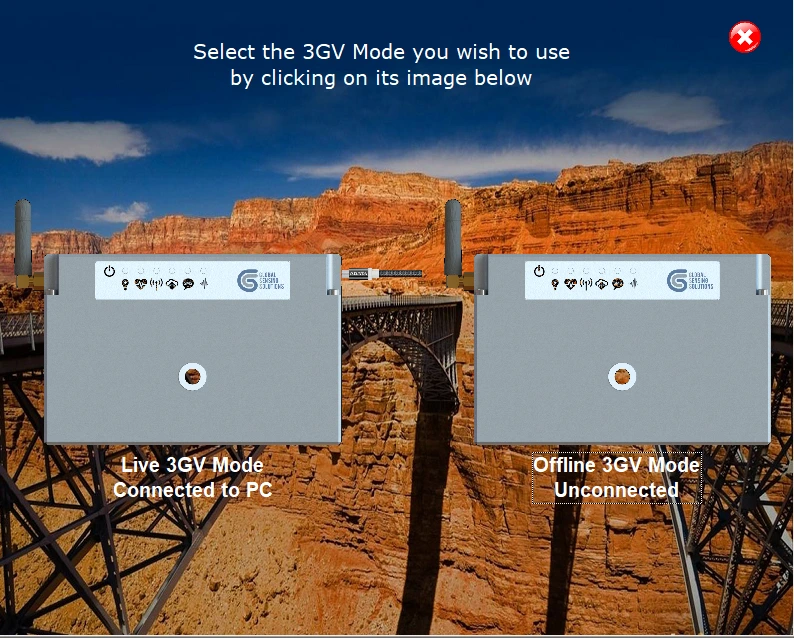
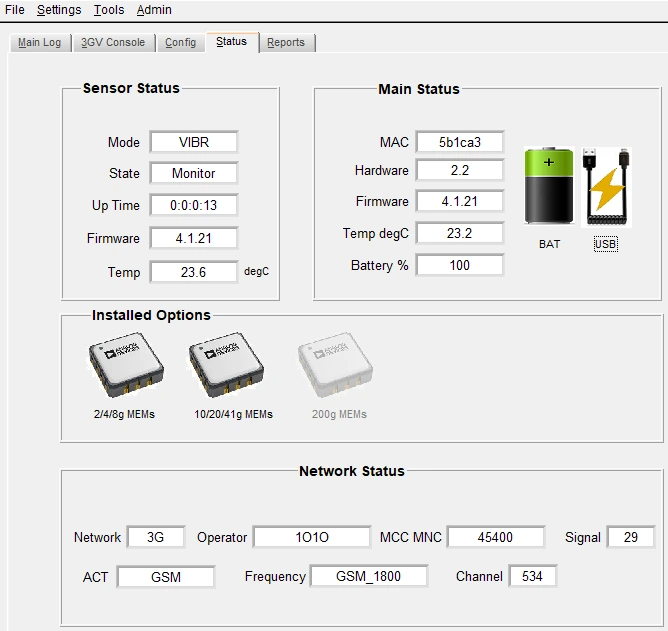
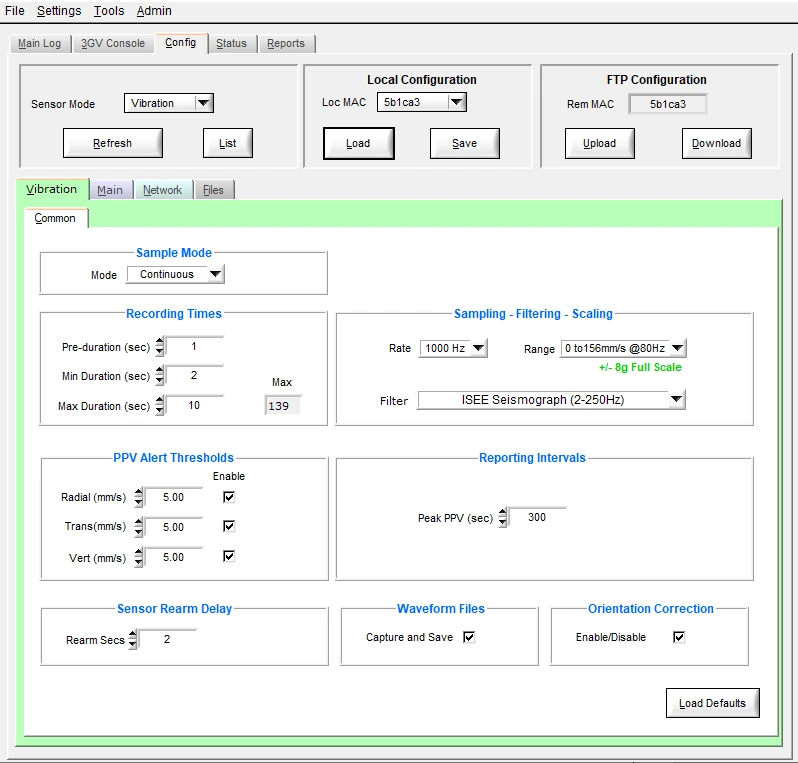
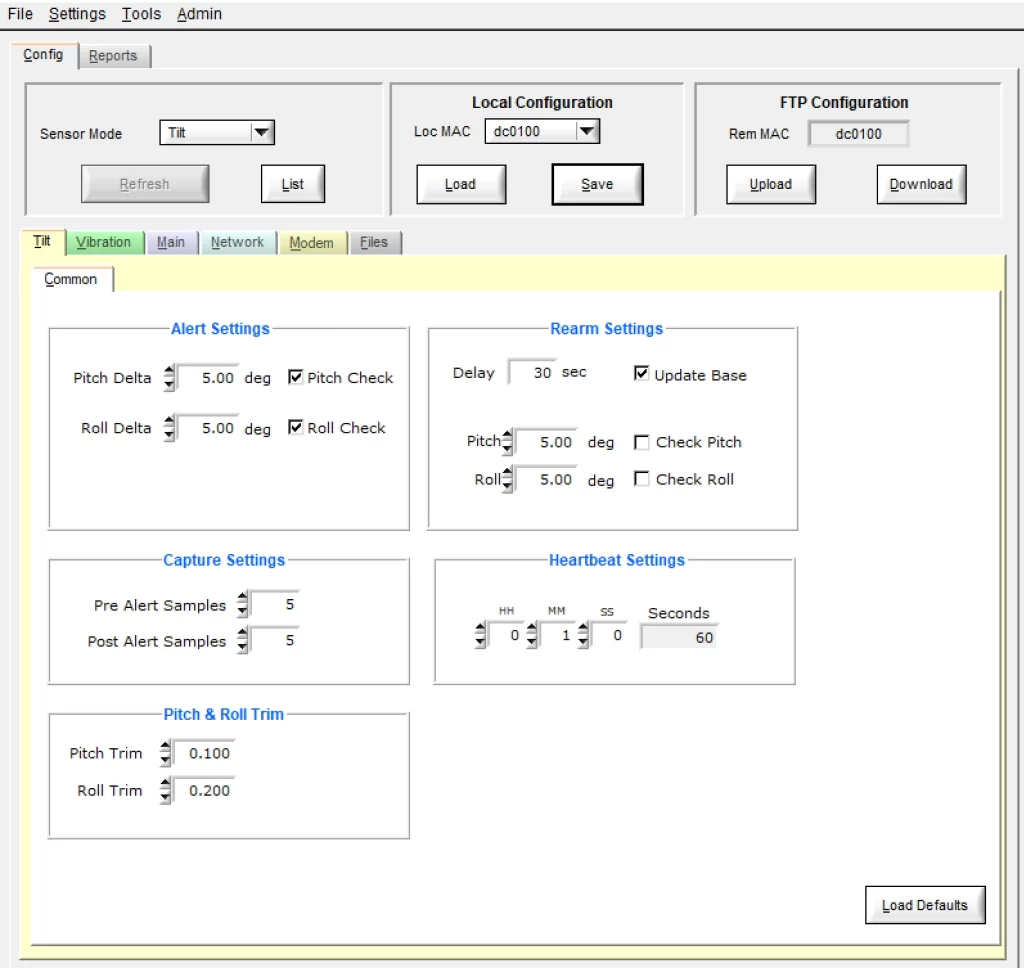
The 3GV Console is a powerful PC-based application that simplifies the configuration and management of GSS 3GV, 4GV, and 5GV products. With the ability to connect to devices directly via a USB cable (online) or remotely via an FTP server (offline), the 3GV Console offers users an intuitive interface for configuring and managing their devices.
In the office, the 3GV Console provides direct access to device settings, allowing users to configure and test settings immediately. The console also offers real-time logging information, making it easy to troubleshoot any issues that arise. Users can run and monitor devices in the office prior to installation to ensure that readings are uploaded correctly and in the desired format.
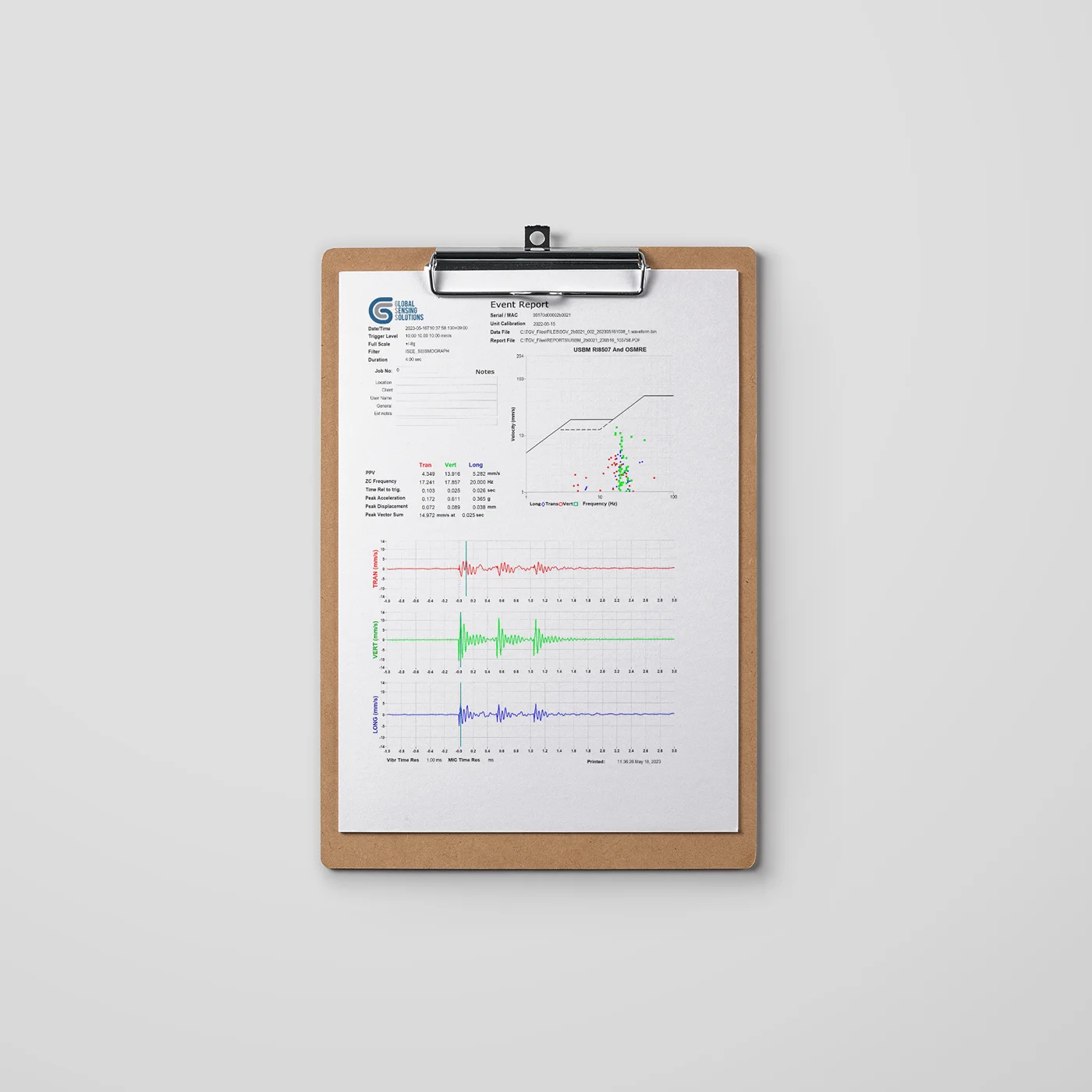
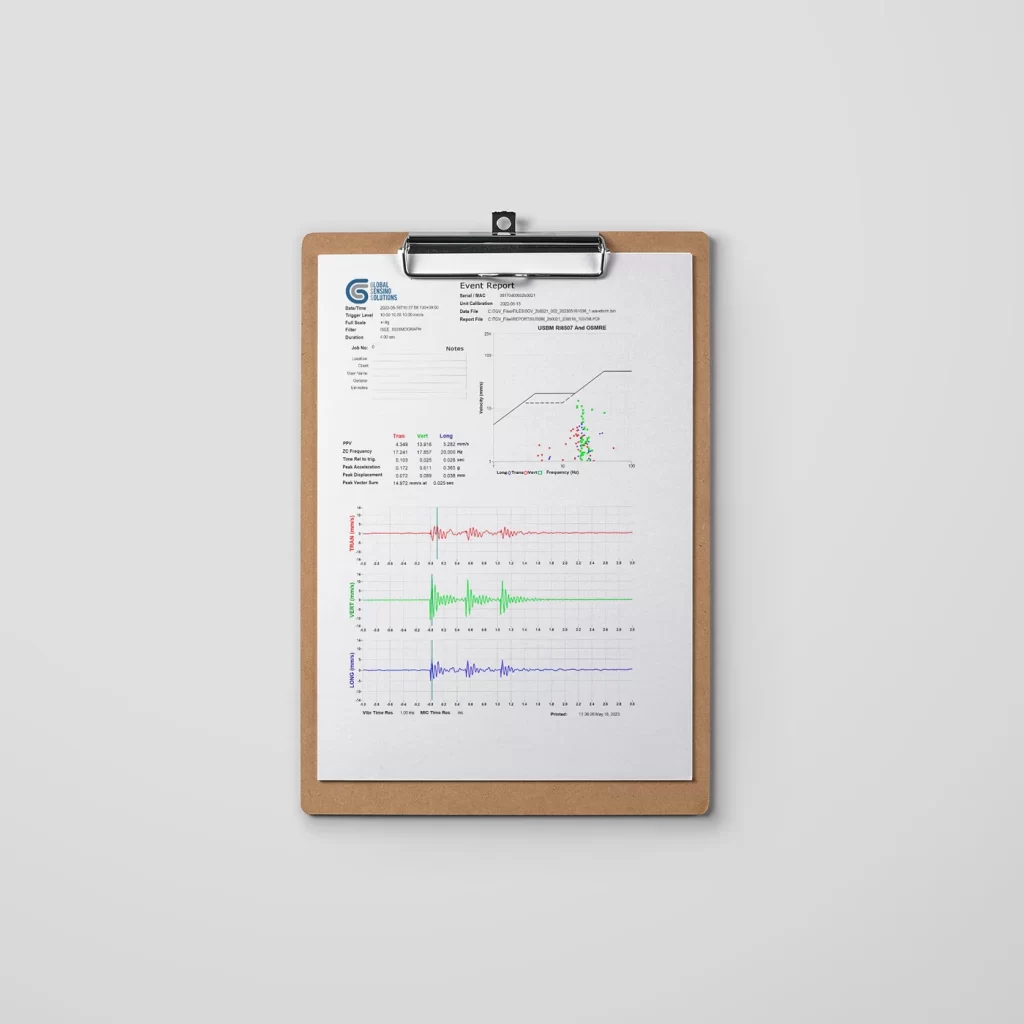
Once deployed in the field, the 3GV Console becomes an essential tool for managing devices remotely. Users can change configuration settings and upload them to an FTP server, where the device can download and update its configuration file. With the ability to view uploaded files using Excel or Notepad, or in Industry Standard Formats (USBM, FFT) with the 3GV Console, users have a range of options for analyzing and interpreting the data collected. The console also presents data in easy-to-understand graphs, allowing users to quickly identify patterns and trends.
Overall, the 3GV Console is a must-have tool for anyone looking to optimize the configuration and management of GSS 3GV, 4GV, and 5GV products. With its intuitive interface, real-time logging, and advanced data analysis capabilities, the 3GV Console makes it easy to manage devices both in the office and in the field, allowing users to achieve optimal results with ease.
VW CONSOLE
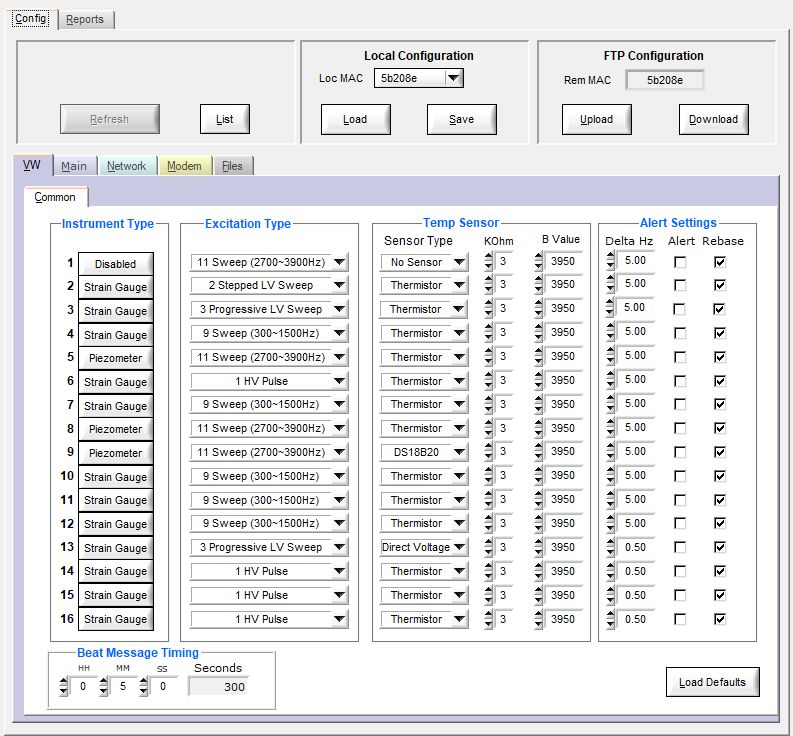
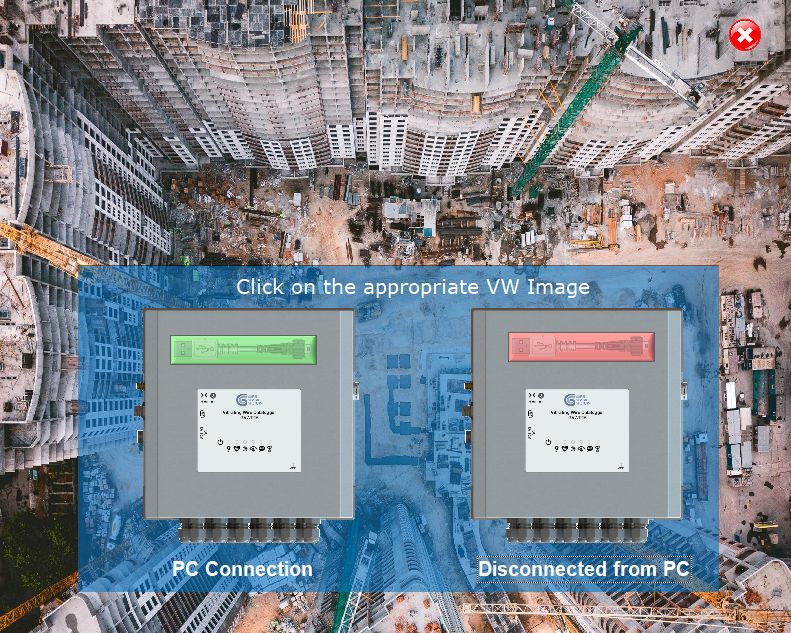
The VW Console is a PC-based application that simplifies the configuration and management of GVWD devices. The VW Console allows users to connect to devices directly via USB cable (online) or remotely via an FTP server (offline). With its intuitive interface, the VW Console offers users an easy-to-use platform for configuring and managing their GVWD devices.
In the office, the VW Console provides direct access to device settings, allowing users to configure and test settings immediately. The console also offers real-time logging information, making it easy to troubleshoot any issues that arise. Users can run and monitor GVWD devices in the office prior to installation to ensure that readings are uploading correctly and in the desired format.
Once deployed in the field, the VW Console becomes an essential tool for managing GVWD devices remotely. Users can change configuration settings and upload them to an FTP server, where the GVWD can download and update its configuration file. With the ability to view uploaded files using Excel or Notepad, users can easily access and analyze the data collected by their GVWD devices.
The VW Console allows users to configure all 16 channels of their GVWD, including setting the sensor type (i.e., strain gauge, piezometer, crack meter), excitation type, and temperature sensor.
Overall, the VW Console is a useful tool for configuring and managing GVWD devices. With its intuitive interface, real-time logging, and channel graphs, the VW Console makes it easy to manage GVWD devices both in the office and in the field, allowing users to achieve optimal results with ease.